¶ MaxmakeLab Laser Processing
¶ ⚠️ Usage Reminder
Please be sure to check the laser usage specifications before use!!!
Link to How to Use Laser Module
¶ 1. Switch to Laser Mode

Click the laser mode option in the software interface:
¶ 2. Add Files

You can design your own graphics or import graphics from the material library or add images:
¶ 3. Activate Laser Mode
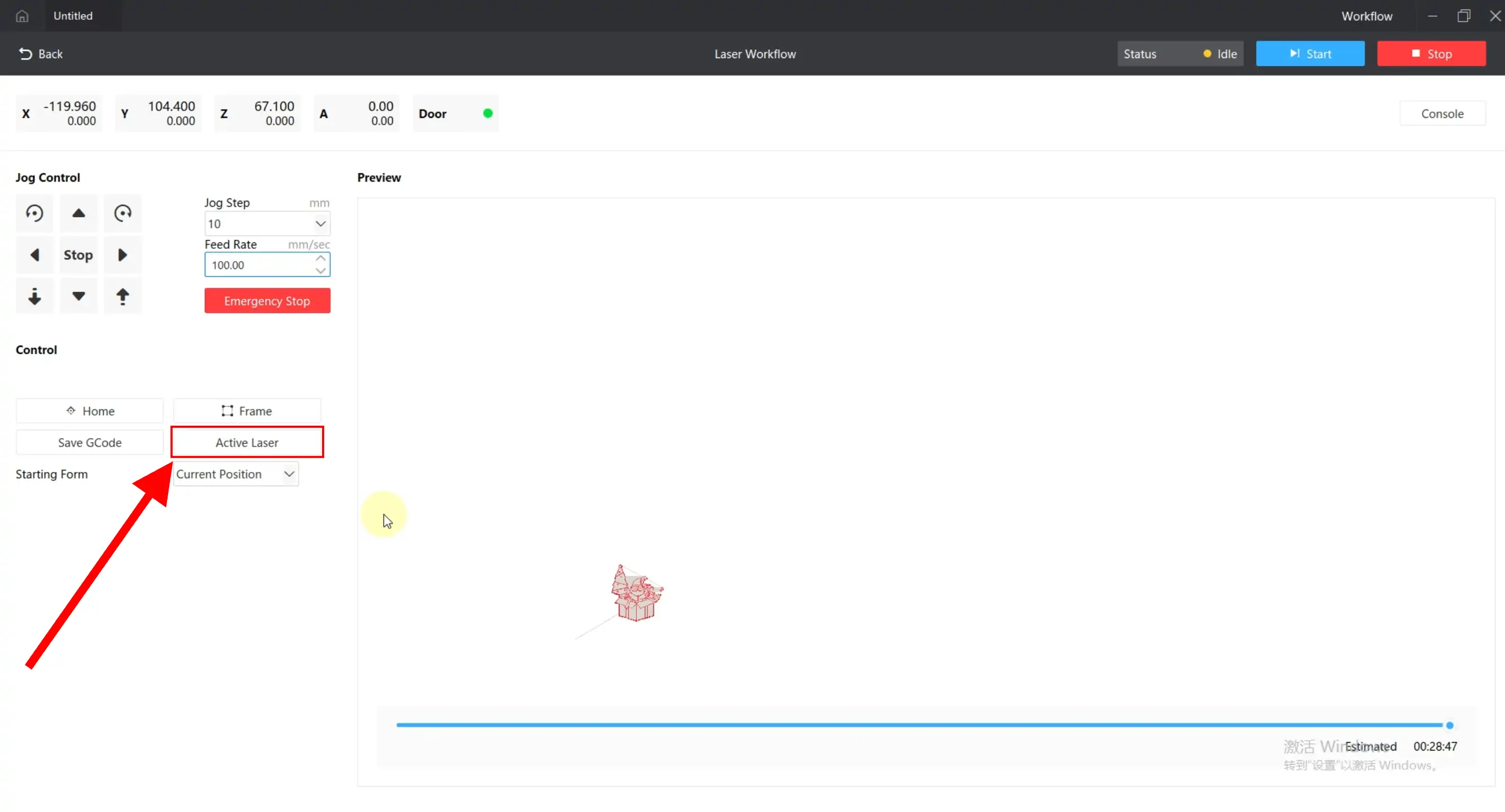
Click the activate laser button to enable laser mode:
⚠️ Laser Activation Notes:
- After activating the laser, the motor enters high-speed mode with a maximum processing speed of 2000mm/min. There will be some noise during operation, which is normal
- After processing is complete, when switching back to CNC mode, you need to click the activation button again to cancel laser mode
¶ 4. Parameter Settings

In laser mode, the maximum speed is 2000mm/min (approximately 33mm/s). Adjust the power reasonably based on test results:
¶ 5. Movement and Positioning

Control the laser to move above the material:
¶ 6. Border Positioning

Click the border button, and the laser will trace the processing range with weak light:
¶ 7. Adjust Focus

5mm from the bottom of the light shield to the material is the optimal focal position for laser processing. You can use the focus assist block from the laser accessories box and slowly lower the Z-axis until the focus assist block just passes through the gap:
¶ 8. Transfer File and Start Processing

Click the start processing button to transfer the processing file to the device SD card. Long press the button for 2 seconds to start processing:
⚠️ Processing Notes:
Due to the laser and spindle not being coaxial, the actual processing range is offset by approximately 20mm forward. When processing large graphics, the laser may exceed the equipment. At this time, you need to open the safety door, and the safety door function should be turned off in software settings